
A Store That Had to Look as Good as the Gifts
Regali Per Eventi needed more than a place to upload products. The Italian gift and event decor brand wanted an elegant online store that felt right for its customers and worked reliably from the first order. There was no existing Shopify storefront to refine. We had to build it from scratch.
At Ecomgiantz, we took a design-first approach to this Shopify store development project. In one week, our team moved from approved UI/UX layouts to a live storefront. We brought product organization, store settings, responsive pages, and checkout testing together in one focused build.
Meet Regali Per Eventi
Regali Per Eventi sells gift items, decorations, and supplies tied to life’s celebrations. Its live website brings together occasion-focused categories such as weddings, Christmas and New Year, decorative flowers, and home plants.
The store needed to make those choices feel natural, not overwhelming. Shoppers should be able to explore an occasion, compare relevant products, and place an order. You can see the resulting storefront at regalipereventi.it.
What Regali Per Eventi Needed From Its New Shopify Store
The client’s expectations were clear: create a polished Shopify website from scratch, showcase products in a way that matched the brand, and make the entire store usable on phones, tablets, and desktops. Design quality and everyday store functionality had to move forward together.
The project also covered product listings, category organization, shipping rules, tax configuration, payment methods, and launch checks. With only a one-week window, the most important decision was to agree on the look and shopping journey before our developers began customizing the theme.
What Made This Build Challenging
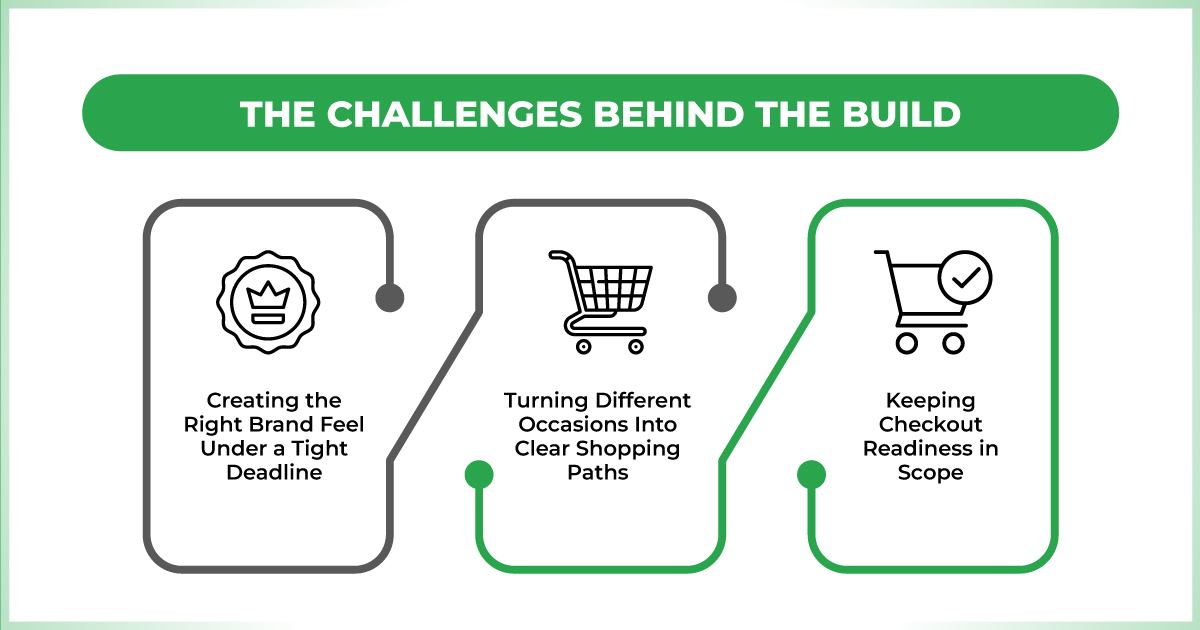
Creating the Right Brand Feel Under a Tight Deadline
The client was understandably concerned about whether the finished store would look elegant and feel consistent. Gift and decor products depend heavily on presentation. A layout that feels crowded can distract from the products, while an attractive page without clear shopping paths can frustrate visitors. We needed both sides to work together.
Turning Different Occasions Into Clear Shopping Paths
A catalog built around events needs careful structure. Wedding items, seasonal gifts, and decorative pieces do not all belong in one long product feed. We had to make collections easy to recognize and navigate. We also had to prepare product information that supports relevant searches without unnatural keyword repetition.
Keeping Checkout Readiness in Scope
Shipping, taxes, and payments are less visible than a beautiful homepage. But they can make or break a launch. Our team’s challenge was to configure these essentials while design and catalog work were still moving. It would have been taking an unnecessary risk to leave it to the last day.
Our Solution: Design Approval First, Development Second
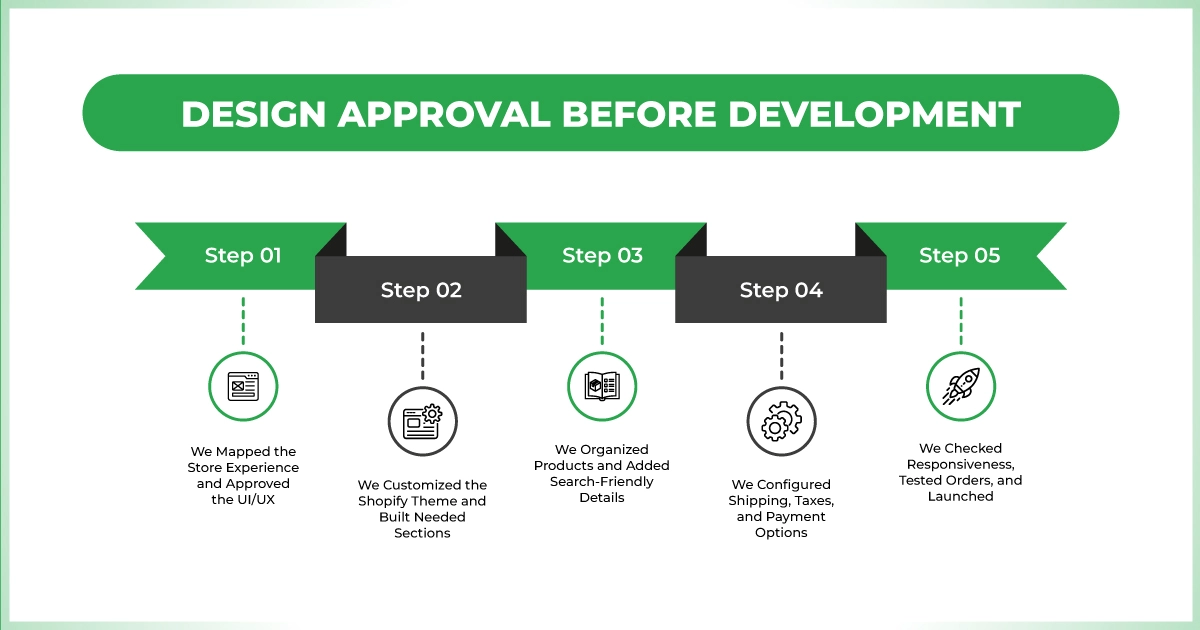
1. We Mapped the Store Experience and Approved the UI/UX
We started by shaping the site structure around the way customers shop for gifts and event supplies. Product discovery, collection navigation, page hierarchy, and visual consistency guided the early layouts.
We presented the UI/UX direction and received client confirmation. Early sign-off gave everyone a shared reference and kept design changes manageable within the short build schedule.
2. We Customized the Shopify Theme and Built Needed Sections
Once the direction was approved, we set up the Shopify theme and customized its styling and layouts to match the agreed design. We also developed the sections the store needed beyond the standard theme structure.
Each section had a practical purpose, such as introducing a category, showcasing featured products, or guiding visitors toward the product catalog. Our Shopify UI/UX design kept product presentation and navigation consistent.
3. We Organized Products and Added Search-Friendly Details
Next, we listed products and arranged them into relevant collections. Instead of asking visitors to scroll through unrelated items, we grouped the catalog around recognizable events and product types. This made future catalog updates easier to manage inside Shopify.
We also applied on-page SEO basics to product listings. We kept names and descriptive information focused on what shoppers were actually looking for. The work established a cleaner starting point for search visibility.
4. We Configured Shipping, Taxes, and Payment Options
With the storefront taking shape, we configured the three core commerce settings the client requested: shipping, tax, and payment methods. These settings needed to fit the store’s intended checkout experience. So buyers could review costs and available ways to pay before placing an order.
This part of development rarely gets the same attention as design, but it is essential. Our setup work connected the visual shopping experience to the operational requirements of the store.
5. We Checked Responsiveness, Tested Orders, and Launched
Before launch, we reviewed how the store adapted across screen sizes and completed test orders to check the purchase flow. These checks helped the team address issues before opening the site to real shoppers.
Once the required design, catalog, and checkout tasks were complete, we took the store live. The result was a responsive ecommerce website built around the client’s visual preferences and core selling needs.
Services We Delivered
- Shopify store setup and theme customization
- UI/UX design, design approval, and custom page sections
- SEO-conscious product listing and collection organization
- Shipping, tax, and payment configuration
- Responsive implementation, test orders, and store launch
Tools and Shopify Features We Used
The supplied project record identifies Shopify as the development platform. The following are its relevant built-in working areas we used:
- Shopify Admin: initial store setup and day-to-day configuration
- Shopify Theme Editor: theme styling, layout, and section management
- Shopify Products and Collections: product listings and category structure
- Shopify Shipping and Delivery: shipping setup
- Shopify Taxes and Duties / Payment settings: commerce configuration
- Shopify test-order workflow: pre-launch purchase-flow checks
A Launch-Ready Store in 1 Week
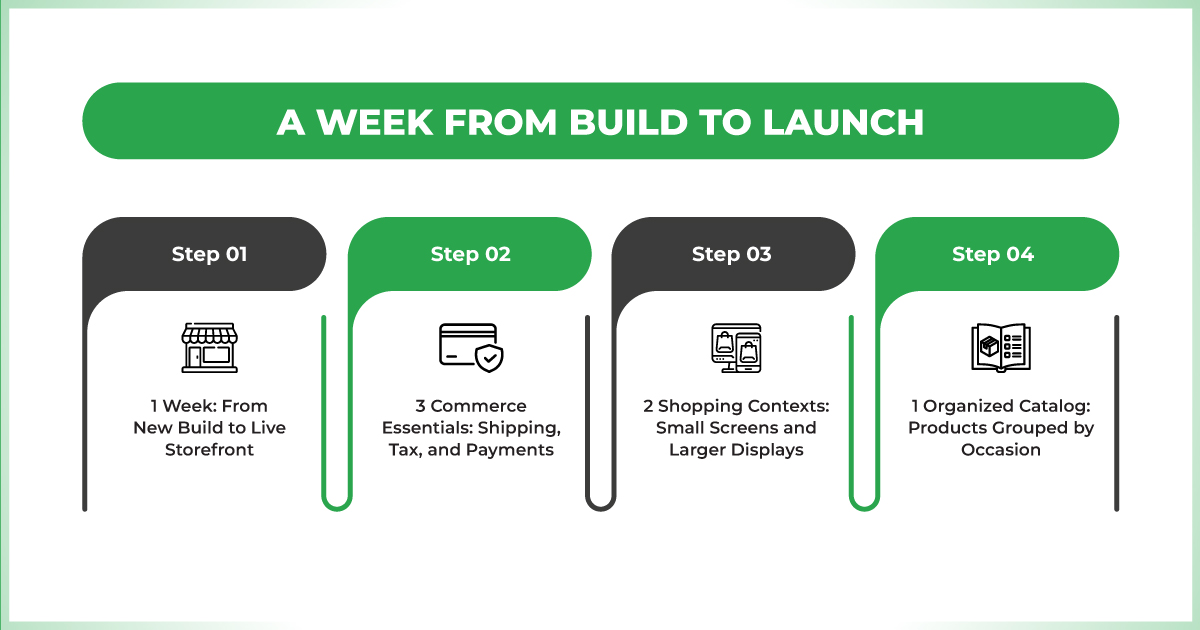
1 Week: From New Build to Live Storefront
The clearest result of this Shopify store development we delivered in one week. Regali Per Eventi went from needing a Shopify store built from scratch to having a live website with an approved visual direction, custom sections, and a browsable product catalog.
3 Commerce Essentials: Shipping, Tax, and Payments
The build included all three operational settings the client requested. Alongside product pages and collections, we configured shipping, tax, and payment options as part of the launch scope. That meant the project delivered more than a storefront design.
2 Shopping Contexts: Small Screens and Larger Displays
Responsive implementation was part of the delivered work. So the store was designed to serve mobile shoppers as well as visitors using larger screens. Navigation, product presentation, and the path toward checkout were considered across layouts.
1 Organized Catalog: Products Grouped by Occasion
The completed store presents categories for different celebrations and decor needs. We created a more useful starting point for visitors than one undifferentiated product list. This structure supports product discovery and provides a practical foundation for future merchandising and search optimization.
A Client-Focused Process Without Design Guesswork
The client’s main concern was whether the shop would align with the brand and function effectively. Our response was to make design sign-off part of the workflow. Then connect the approved layout with catalog work, checkout configuration, and final testing. That kept the project centered on what the client had actually asked for.


