How to Sell Digital Products on Shopify: Complete Beginner’s Guide (2026)
Selling digital products on Shopify is one of the easiest ways to start an online business, with no inventory, high margins, secure payments, and global checkout capabilities for creators today.
Quick answer: To sell digital products on Shopify, pick a product type, build your store on a Basic or higher plan, install a digital delivery app like Shopify Digital Downloads or Sky Pilot, upload your files, set up automatic delivery, connect Shopify Payments, and test a purchase before launch. Most beginners can go live within a week.
Digital products have quietly become one of the easiest ways to start an online business. No inventory to manage, no shipping delays, no warehouse costs. You create the file once, and it can sell while you sleep, travel, or work on something else entirely.
That shift is not just a trend. The online education market alone is projected to bring in $221.71 billion in worldwide revenue in 2026, according to Statista. Templates, presets, eBooks, and downloadable art are riding the same wave. People want instant access, and creators want a business that does not depend on stock, packaging, or a courier showing up on time.
If you are wondering how to sell digital products on Shopify, the good news is that the platform was never built only for physical goods. With the right setup, Shopify handles secure checkout, automatic file delivery, and global payments just as well for a downloadable planner as it does for a pair of shoes.
If you would rather have your store built and configured by people who do this daily, our team can set up your Shopify store for digital products so you can focus on creating instead of troubleshooting apps.
What Are Digital Products?
Digital products are files or access that customers receive electronically instead of a physical box in the mail. Think eBooks, templates, presets, software, or a private membership login. The customer pays, and access to the product lands in their inbox or account within seconds.
Physical vs Digital Products
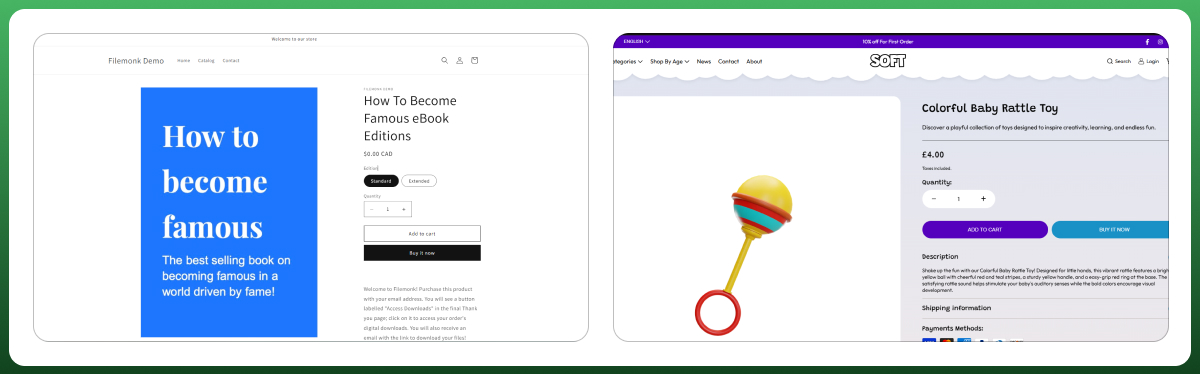
A physical product needs manufacturing, packaging, storage, and a shipping carrier. A digital product needs none of that. You create the file once, and Shopify (with the right app) delivers it automatically, every time, without you touching a single order. Margins are also higher, since there is no material cost tied to each sale.
Why More Entrepreneurs Are Selling Digital Products
The creator economy is now worth well over $250 billion globally and growing at more than 20% a year, according to industry data from SendOwl. More people are realizing that knowledge, design skills, and creative work can be packaged and sold repeatedly, without the operational headache that comes with physical merchandise.
How to Sell Digital Products on Shopify (Step-by-Step Guide)
Here is exactly how to sell digital products on Shopify, from an empty account to your first live sale.
Step 1 – Create Your Shopify Store
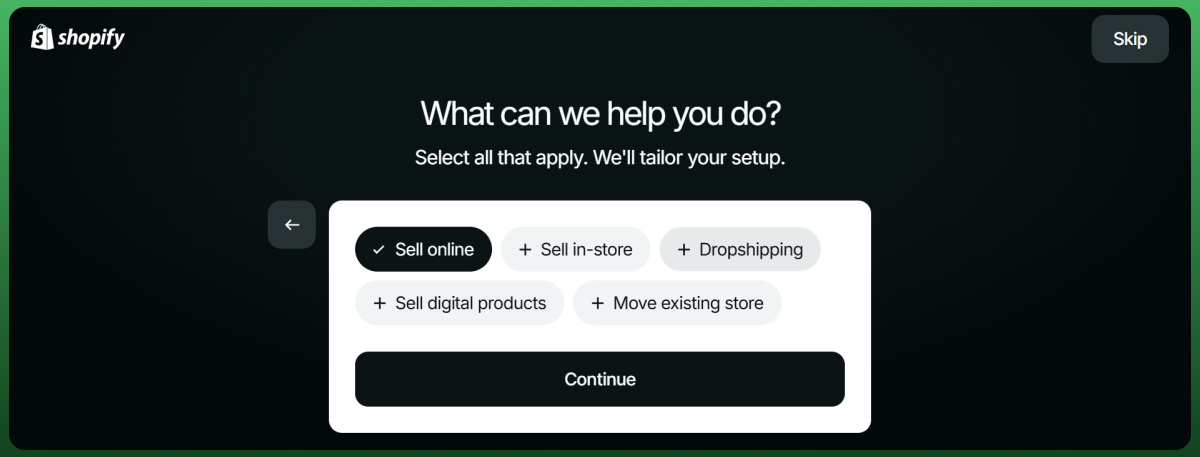
Sign up on Shopify and choose a plan. Basic is enough for most beginners selling digital downloads, since you do not need advanced inventory or shipping features.
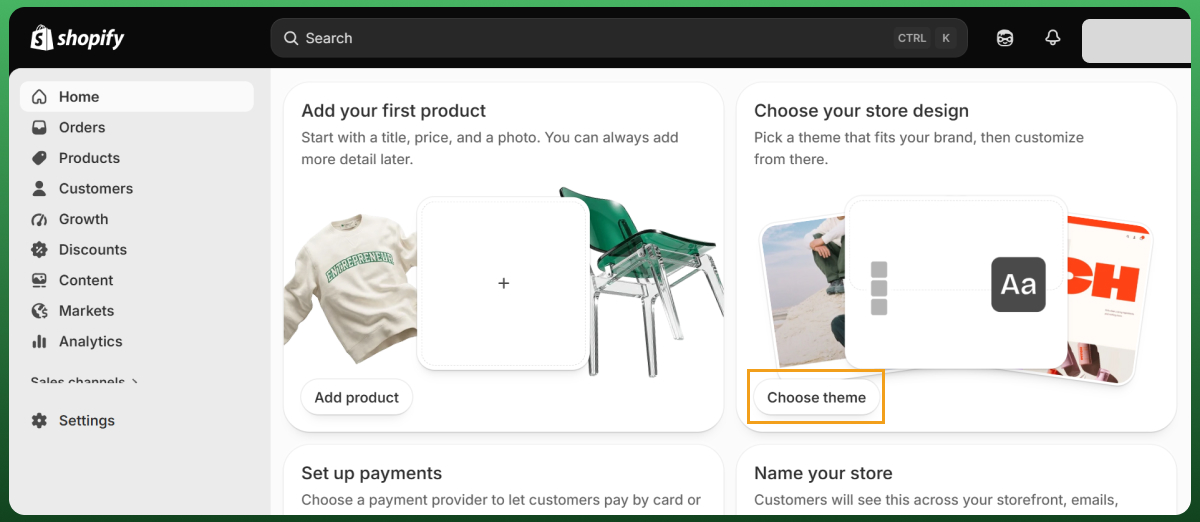
Step 2 – Choose the Right Theme
Pick a clean, fast-loading theme from the Shopify theme store. A minimal theme with clear typography usually converts better for digital products than a busy, image-heavy layout, since the focus should stay on the product description and preview.
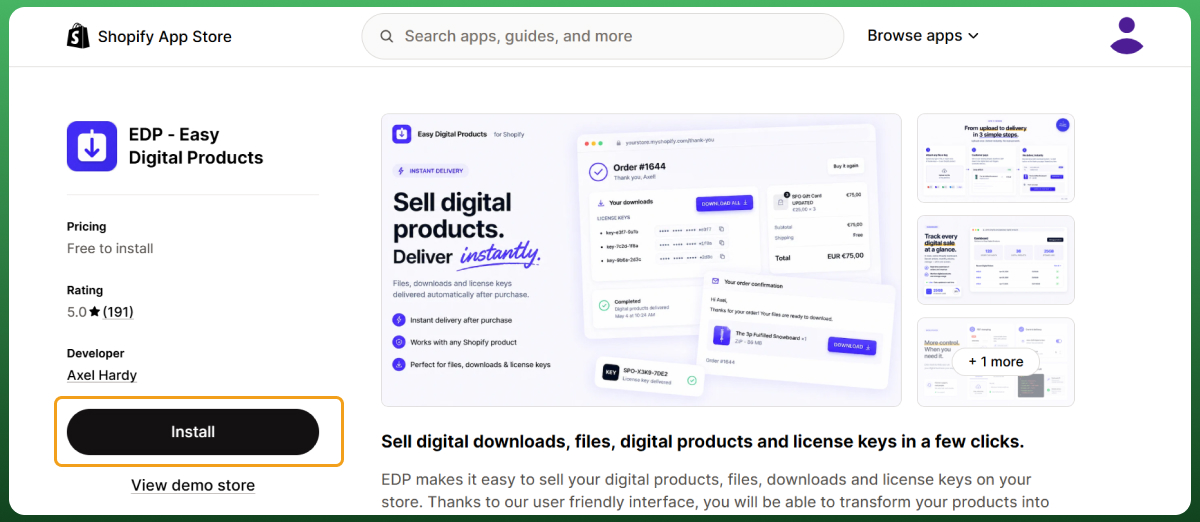
Step 3 – Install a Digital Download App
Since Shopify does not deliver files automatically out of the box, you need a Digital Downloads app connected to your store before you add products.
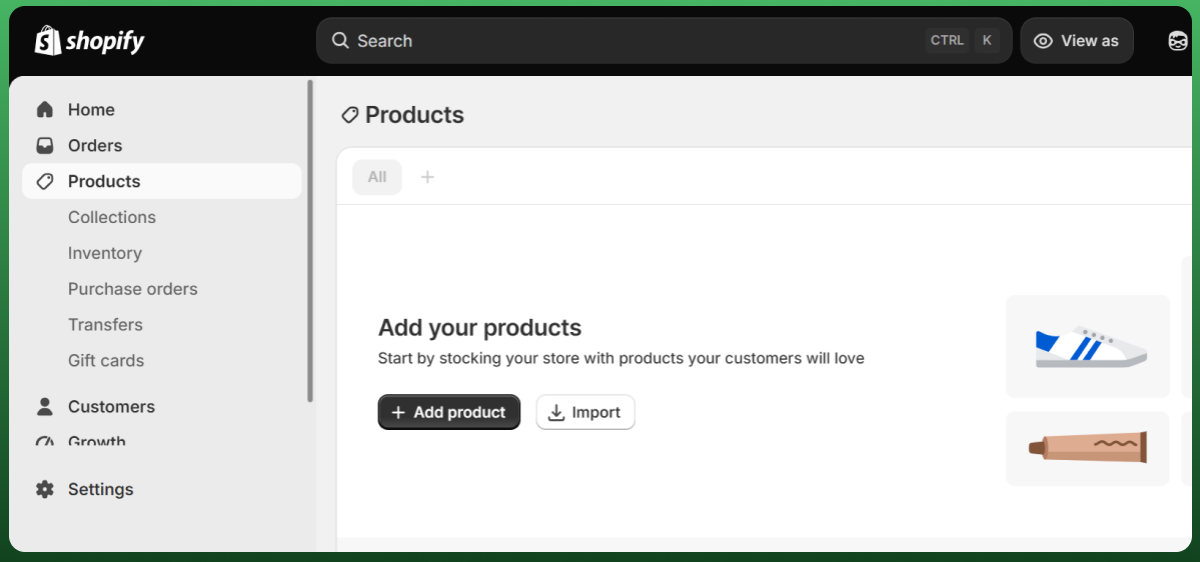
Step 4 – Add Your Digital Products
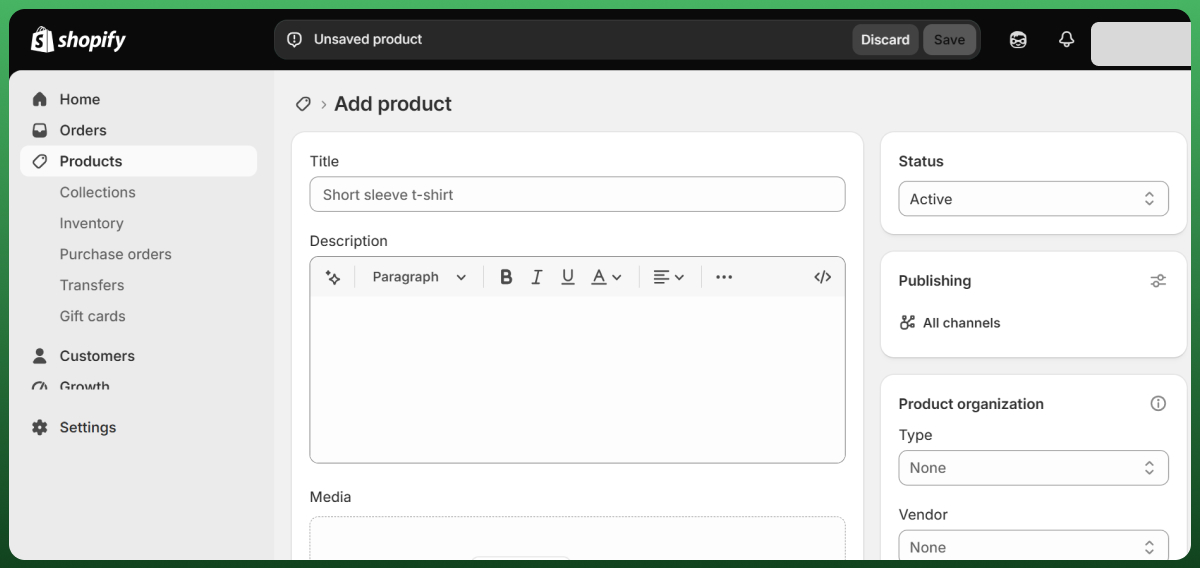
This is where merchants often ask how to upload digital products on Shopify. Create a new product listing, write a clear description, add preview images, then attach your file through your chosen download app. Shopify's own free Digital Downloads app supports files up to 5GB, which covers most eBooks, template packs, and even short video files.
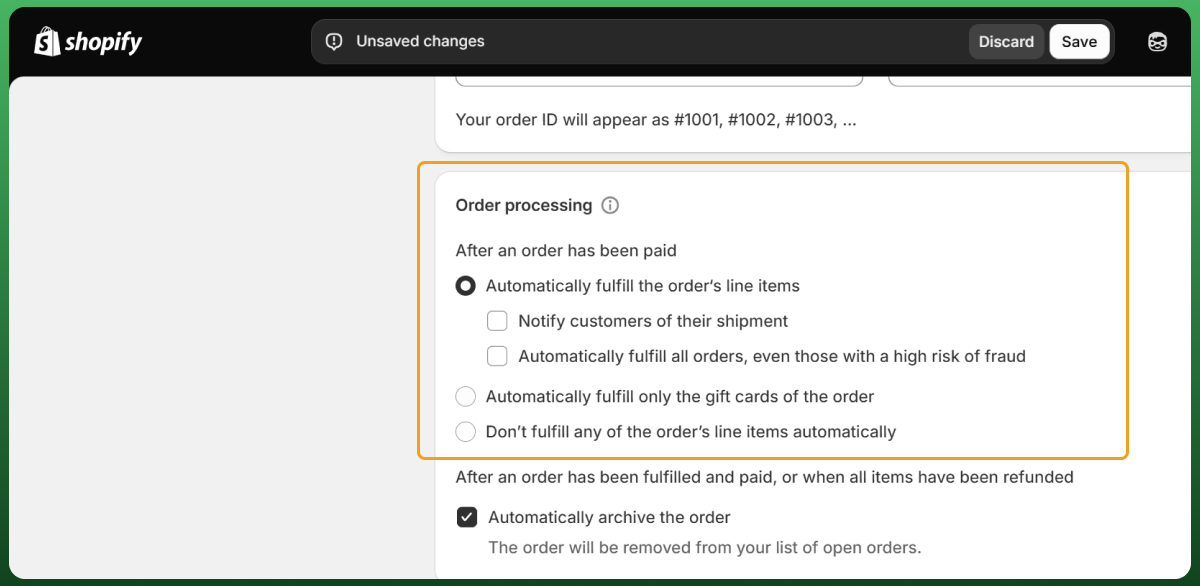
Step 5 – Configure Automatic Delivery
Set your download settings so files are sent instantly after payment is confirmed. Test the access link yourself before making it live to customers.
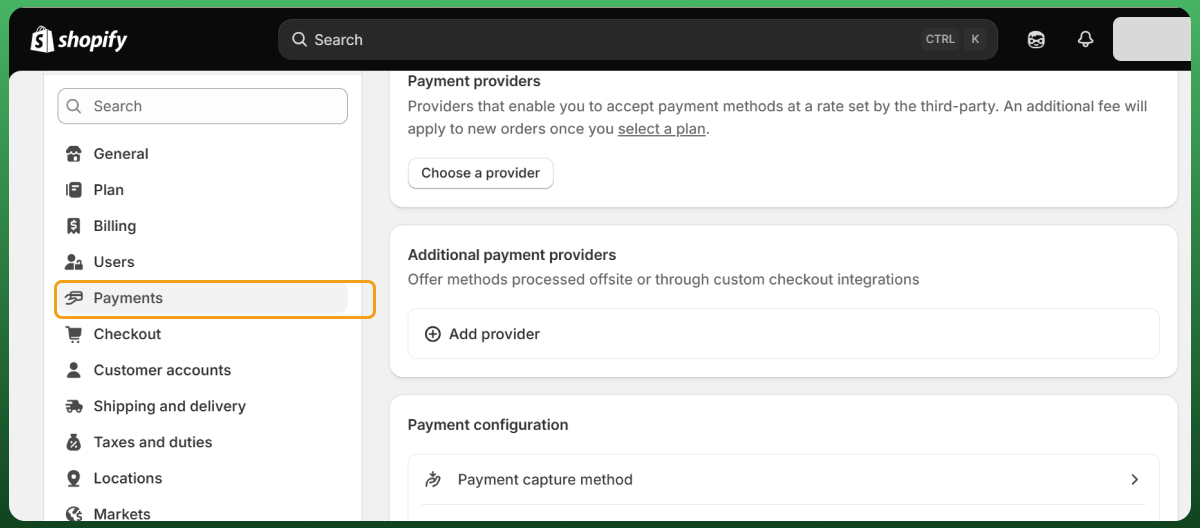
Step 6 – Set Up Payments
Activate Shopify Payments, or connect a supported alternative. Make sure your checkout page displays clear pricing and any applicable taxes.
Step 7 – Test Your Store
Place a real test order. Walk through the entire customer experience, from product page to checkout to file delivery, and fix anything that feels slow or confusing.
Step 8 – Launch Your Store
Once your test order works cleanly, you are ready to open your Shopify store to the public and start driving traffic.
Why Choose Shopify for Selling Digital Products?
Beginner-Friendly Platform
Shopify's drag-and-drop store builder does not require coding knowledge. You pick a theme, add your product listings, and your storefront is live. For anyone asking how to create digital products on Shopify from scratch, this low barrier to entry is exactly why so many first-time sellers start here.
Secure Payments
Shopify Payments is built in, so customers can pay by card without leaving your checkout page. It supports major currencies and card types, which matters if you are selling to buyers across different countries.
Easy Automation
Once you connect a Digital Downloads app, delivery happens on its own. No manual emailing of access links after every sale.
Global Selling
Shopify stores are not limited to one country. With currency conversion and localized checkout pages, you can sell digital downloads to customers in the US, UK, Canada, Australia, and beyond from a single store.
Scalability
A Shopify store that starts with one eBook can grow into a full catalog of courses, templates, and memberships without switching platforms. The same Shopify apps and Shopify themes that support your first product will support your fiftieth.
Best Digital Products to Sell on Shopify
The list of what sells well changes every year. Here is what is actually performing in 2026, based on current market data and buyer demand.
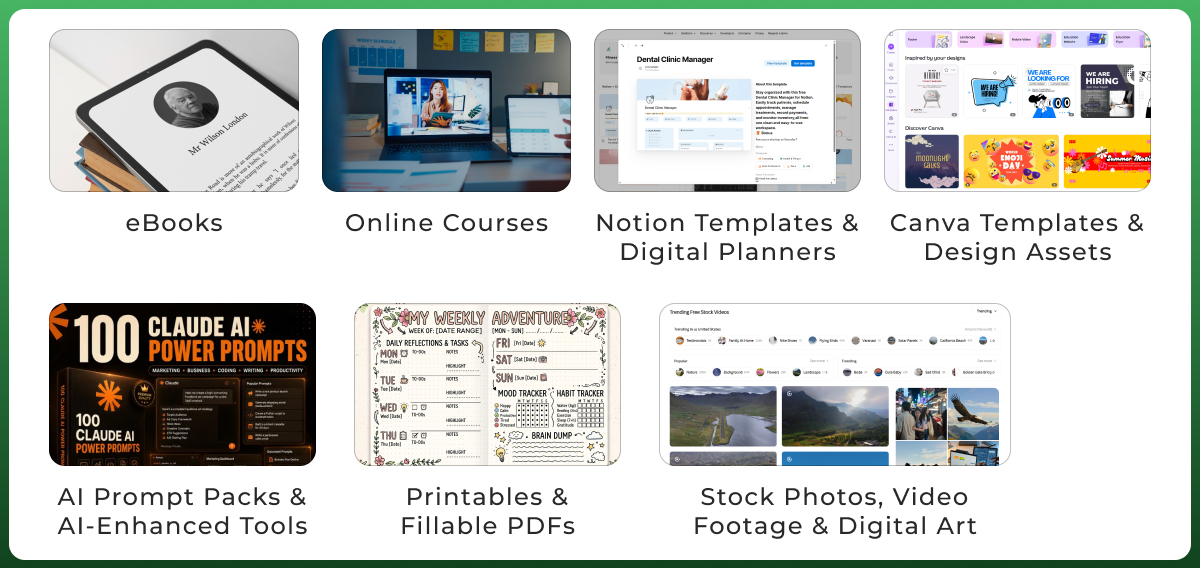
eBooks
Still one of the easiest digital products to sell. Low production cost, high scalability, and no reprints needed once it is written. Personal finance, self-help, and skill-based niches tend to perform best.
Online Courses
The global online education market is projected to reach $221.71 billion in 2026, and that demand is not slowing down. If you know how to create digital products on Shopify around a specific skill, structured video lessons remain one of the highest-earning formats.
Notion Templates & Digital Planners
Notion templates have become one of the strongest-selling digital product categories of the last two years. Productivity systems, habit trackers, and content calendars sell consistently because Notion's user base keeps expanding.
Canva Templates & Design Assets
Social media templates, resume packs, and branding kits sell well because buyers want something they can customize in minutes, not build from scratch.
AI Prompt Packs & AI-Enhanced Tools
This is the newest category worth watching. AI-enhanced products, including curated prompt packs and AI-assisted worksheets, are becoming one of the fastest-growing digital product types in 2026 as more creators and small business owners look for ways to work faster with AI tools.
Printables & Fillable PDFs
Fillable and interactive PDFs are especially popular right now, since buyers increasingly want to type and check boxes directly on their phone or tablet instead of printing. Planners, checklists, and worksheets all fall into this bracket.
Lightroom Presets & LUTs
A proven niche for photographers and content creators who want a consistent visual style without hours of manual editing.
Stock Photos, Video Footage & Digital Art
If you are wondering how to sell digital art on Shopify, this is where illustrations, digital paintings, and downloadable graphics fit. Stock image exchanges and marketplaces have shown steady demand from bloggers, marketers, and small businesses who need visuals for campaigns without hiring a photographer.
Music, Audio & Sound Effects
Beats, white noise tracks, and sound effect packs are consistently purchased by podcasters, video editors, and content creators building out their own projects.
Software, Apps & Plugins
For merchants with development skills, selling a plugin, app, or small software tool is one of the highest-margin digital download products on this list, though it requires ongoing updates and support.
Custom Fonts
A smaller but genuinely underserved niche. Designers are always hunting for unique typography for branding projects, and once a font is created, it can be sold repeatedly with no extra work.
Digital Memberships & Private Communities
Recurring access to a private community, resource library, or course platform gives you predictable, repeat revenue instead of one-off sales. This model pairs well with subscription pricing.
What You Need Before You Start
Validate Your Idea
Before you spend hours creating a product, check whether people are already searching for it. Use keyword research tools, browse relevant subreddits or Facebook groups, and see what similar creators are charging.
Research Your Audience
Know who you are building for. A digital planner for busy parents needs different branding, pricing, and marketing than a Lightroom preset pack for wedding photographers.
Create Your Product
Build the actual file, whether that is a PDF, a video course, or a design template. Quality matters here more than volume. One well-made product will outsell five rushed ones.
Prepare Brand Assets
A logo, consistent color palette, and clean product mockups make your Shopify store look established from day one, even if you just launched.
Decide Your Pricing
Have a rough number in mind before you build your product page. You will refine this later, but starting with a target price shapes how you position and package the product.
Best Shopify Apps for Selling Digital Products
Choosing the right Digital Downloads app affects file security, storage limits, and how polished the download experience feels to your customer. Here is how the main options compare, based on current App Store listings.
App
Starting Price
Best For
Notable Feature
Shopify Digital Downloads (native)
Free
Testing your first product
Up to 5GB per file, built by Shopify
Sky Pilot
Free plan, paid tiers from ~$19 to $49/mo
Video streaming and course delivery
Built-in streaming plus PDF stamping
SendOwl
Free to install, paid tiers from ~$18/mo
Advanced protection and affiliate tracking
License key generation, PDF stamping
Fileflare Digital Downloads
Free plan available
Large file libraries
Unlimited bandwidth, no hard file size cap
Easy Digital Products
Affordable entry-level pricing
Simple, low-complexity stores
Straightforward setup for beginners
If you sell a single eBook, the free native app or Fileflare's free tier is enough to start. If you plan to sell video courses or want stronger anti-piracy tools, Sky Pilot or SendOwl are worth the monthly cost.
How Much Does It Cost to Sell Digital Products on Shopify?
Most beginners underestimate this, so here is the real breakdown based on Shopify's current 2026 pricing.
Cost Item
What You Pay
Shopify Basic plan
$39/month ($29/month billed annually)
Shopify Payments transaction fee
Around 2.9% + 30¢ per sale on Basic, lower on higher-tier plans
Digital Downloads app
$0 to roughly $49/month depending on features
Theme
Free themes available, premium themes typically $150 to $350 one-time
Estimated monthly total for a new store
Roughly $39 to $90/month plus transaction fees
Full pricing details are available on Shopify's official pricing page. The platform fee is predictable. The real cost swings usually come from which app tier you choose once you outgrow the free plan.
Optimize Your Shopify Store for More Sales
Shopify SEO
Use your focus keywords in product titles, meta descriptions, and image alt text so your Shopify store shows up in search results, not just paid ads.
Product Page Optimization
Write benefit-driven descriptions, not just feature lists. Explain what the buyer gets to do or feel after downloading, not only what is inside the file.
Product Images
Use realistic mockups so buyers understand exactly what they are purchasing, since there is no physical unboxing moment to build trust.
Trust Badges
Secure checkout badges and clear refund terms reduce hesitation, especially for first-time buyers of a digital product they cannot physically hold.
Reviews
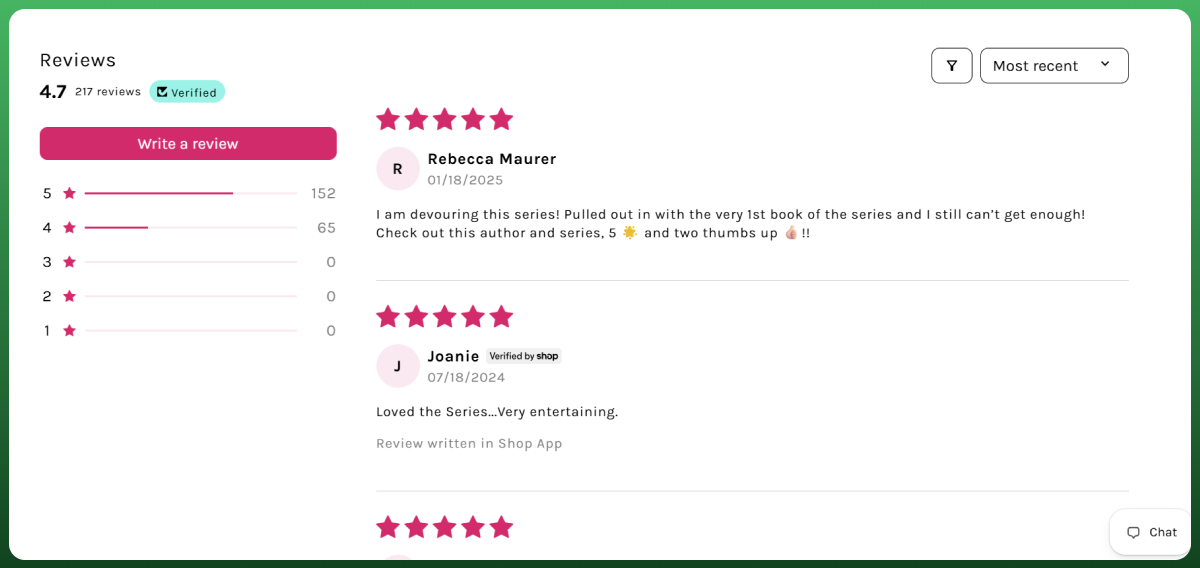
Customer reviews carry extra weight for digital goods, since buyers cannot inspect the product before purchase. Ask happy customers to leave one.
Mobile Optimization
A large share of digital product buyers shop on their phones. Test your entire checkout flow on mobile before launch.
Checkout Optimization
Keep your checkout pages short. Every extra field or step is a chance for the customer to abandon the cart.
Use Analytics for Growth
Shopify's built-in analytics tools show you which product pages convert and which ones lose visitors, so you can fix the weak links in your funnel instead of guessing.
How to Promote Digital Products
SEO Optimization
Blog content that answers real buyer questions brings in free, ongoing traffic long after the post is published.
Pinterest
A strong fit for printables, templates, and digital planners, since Pinterest functions more like a visual search engine than a social feed.
Instagram
Great for showing the product in use through Reels and Stories, especially for design-based digital goods.
TikTok
Short demo videos showing exactly what a customer gets after buying work particularly well for templates and courses.
YouTube
Longer tutorials or walkthroughs build trust for higher-priced digital products like full courses.
Email Marketing
An email list is one of the highest-converting marketing tools you own outright, unlike social platforms where algorithms decide your reach. If you want a structured, automated approach, our ecommerce email marketing service can help you build sequences that turn subscribers into repeat buyers.
Affiliate Marketing
Letting other creators promote your product for a commission extends your reach without upfront ad spend.
Paid Ads
Google Ads and Facebook Ads can accelerate traffic once your product page already converts well organically. Testing a small budget before scaling up avoids wasted spend.
For a more structured push across channels, our social media marketing service can help build and manage that presence for you.
How to Price Digital Products
Cost-Based Pricing
Account for your time, tools, and any software subscriptions used to create the product, then build in a profit margin.
Value-Based Pricing
Price according to the transformation or time saved for the buyer, not just your production cost. A template that saves someone 10 hours of work can justify a higher price than its build time would suggest.
Bundle Pricing
Group related products, like a template pack with a matching color palette guide, to increase average order value without extra marketing effort.
Subscription Pricing
For memberships or ongoing content, recurring pricing creates predictable monthly revenue instead of relying on constant new customer acquisition.
Promotional Discounts
Limited-time discounts, especially around launches, create urgency without permanently devaluing your product.
Protect Your Digital Products from Piracy
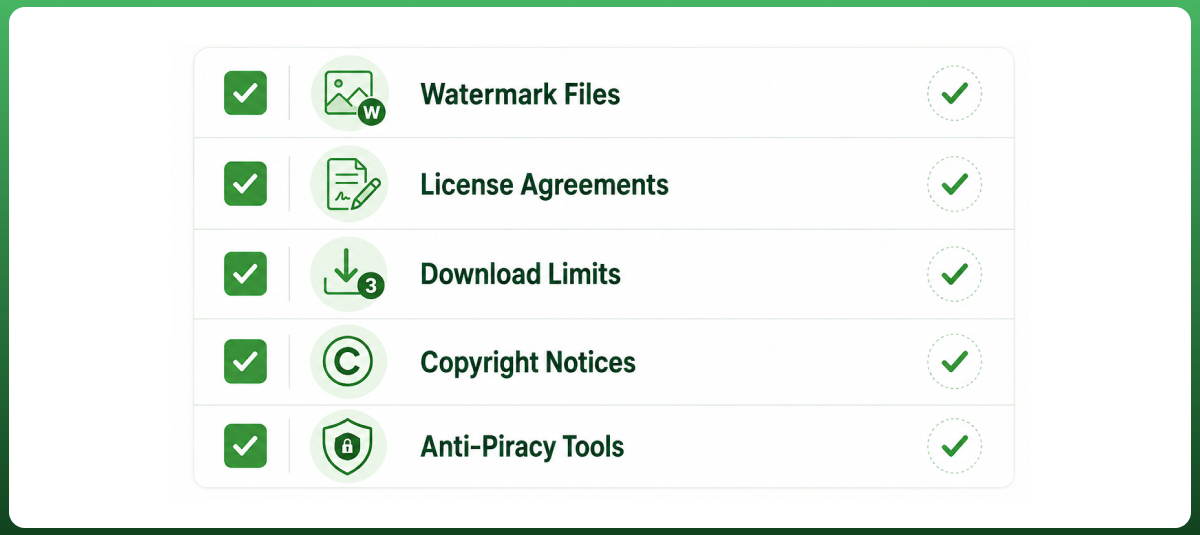
Watermark Files
Add a visible or embedded watermark to previews and, where practical, to the delivered files themselves.
License Agreements
Clearly state how the buyer is allowed to use the product, especially for design assets, fonts, or templates meant for commercial use.
Download Limits
Cap the number of times a file can be downloaded from a single purchase link to reduce casual sharing.
Copyright Notices
A simple copyright line on your product page and inside the file itself makes ownership clear.
Anti-Piracy Tools
Apps like Sky Pilot and SendOwl include PDF stamping and expiring access links, which discourage unauthorized redistribution without adding friction for legitimate buyers.
Common Problems Beginners Face
Nobody Is Buying
Usually, a sign that the product was not validated before launch, or the product page does not clearly communicate the value.
Low Traffic
Without consistent marketing, even a great product will not get discovered. SEO and social content need to run continuously, not just at launch.
High Cart Abandonment
Often caused by a confusing checkout, unclear pricing, or a lack of trust signals on the product page.
Customers Share My Files
Some sharing is unavoidable, but download limits, watermarking, and license terms reduce how widespread it becomes.
Refund Requests
A clear, visible refund policy actually reduces disputes, since customers know what to expect before they buy.
Pricing Is Too High (or Too Low)
Compare your pricing against similar digital download products in your niche, and adjust based on actual conversion data, not guesswork.
Marketing Isn't Working
If one channel is not converting after a fair test, move budget and time to a channel where your specific audience actually spends time.
I Don't Know What Product to Create
Start with a problem you have already solved for yourself. That built-in expertise usually makes the best first product.
Take Your Digital Products Beyond Shopify
Once your Shopify store is generating consistent sales, the next growth step is usually expanding to additional sales channels, such as a marketplace or a second storefront, without duplicating your inventory and order management work manually.
Can I sell digital and physical products in one Shopify store?
Yes. Shopify supports mixed catalogs, so you can list eBooks or templates alongside physical merchandise in the same store without needing a separate platform.
Which Shopify app is best for digital downloads?
For a single low-cost product, Shopify's free native Digital Downloads app is enough. For video content or stronger file protection, Sky Pilot or SendOwl are better suited.
Can customers download products instantly after payment?
Yes, once you have configured automatic delivery through your chosen Digital Downloads app, files or access links are sent within seconds of a completed purchase.
Do I need a business license to sell digital products?
Requirements vary by location and business structure, so it is worth checking your local regulations before you launch, but many sellers start as sole proprietors before formalizing further.
Can I sell digital products internationally?
Yes. Shopify supports multiple currencies and international checkout, making it possible to sell digital downloads to customers in the US, UK, Canada, Australia, UAE, and beyond from a single store.
What file types can I sell on Shopify?
Most digital download apps support PDFs, audio files, video files, ZIP folders, and software files, though exact size limits vary by app.
How do I update digital files after customers purchase them?
Most Digital Downloads apps let you replace the uploaded file, and existing customers can access the updated version through the same access link, depending on the app's settings.
Can I offer subscriptions or memberships on Shopify?
Yes, with a subscription-compatible app connected to your store, you can bill customers on a recurring basis for ongoing access to content or a private community.
How long does it take to make your first sale?
This varies widely based on product quality, pricing, and how consistently you market it, but many sellers see their first sale within the first few weeks of active promotion.
Conclusion
Selling digital products on Shopify is genuinely one of the lowest-barrier ways to start an online business today. No inventory, high margins, and a platform that already handles secure payments and global checkout for you.
Pick one product type from this guide, validate that people actually want it, and get your store built with the right delivery app from day one instead of retrofitting it later.
Need To Update Your Existing Shopify Store?
Get The Best Shopify Design & Development Services From Ecomgiantz.
The Ecomgiantz Team is a group of eCommerce specialists, developers, designers, SEO strategists, and content editors dedicated to publishing accurate, practical, and research-backed resources for online businesses.
Every article undergoes a structured editorial review to ensure technical accuracy, clarity, and relevance. The team combines hands-on industry experience with extensive research to create content that helps entrepreneurs, brands, and enterprises build, optimize, and scale successful eCommerce businesses.
The Team regularly covers topics including eCommerce development, online store optimization, AI-powered solutions, digital marketing, marketplace strategies, and emerging technologies. Their goal is to deliver actionable insights that help readers make informed business decisions in an evolving digital landscape.